MacBook Neo: Why It's the Best Entry Laptop for Students in India Right Now
The Verdict
After months of reviews, benchmarks, and real-world use, the verdict is in: Apple's MacBook Neo is the best entry laptop Indian students can buy right now — even with its fixed, non-upgradeable 8GB of unified memory.
Aggressive Rs 69,900 starting price brings a real MacBook within reach for Indian students for the first time
Fixed 8GB unified memory with no upgrade path
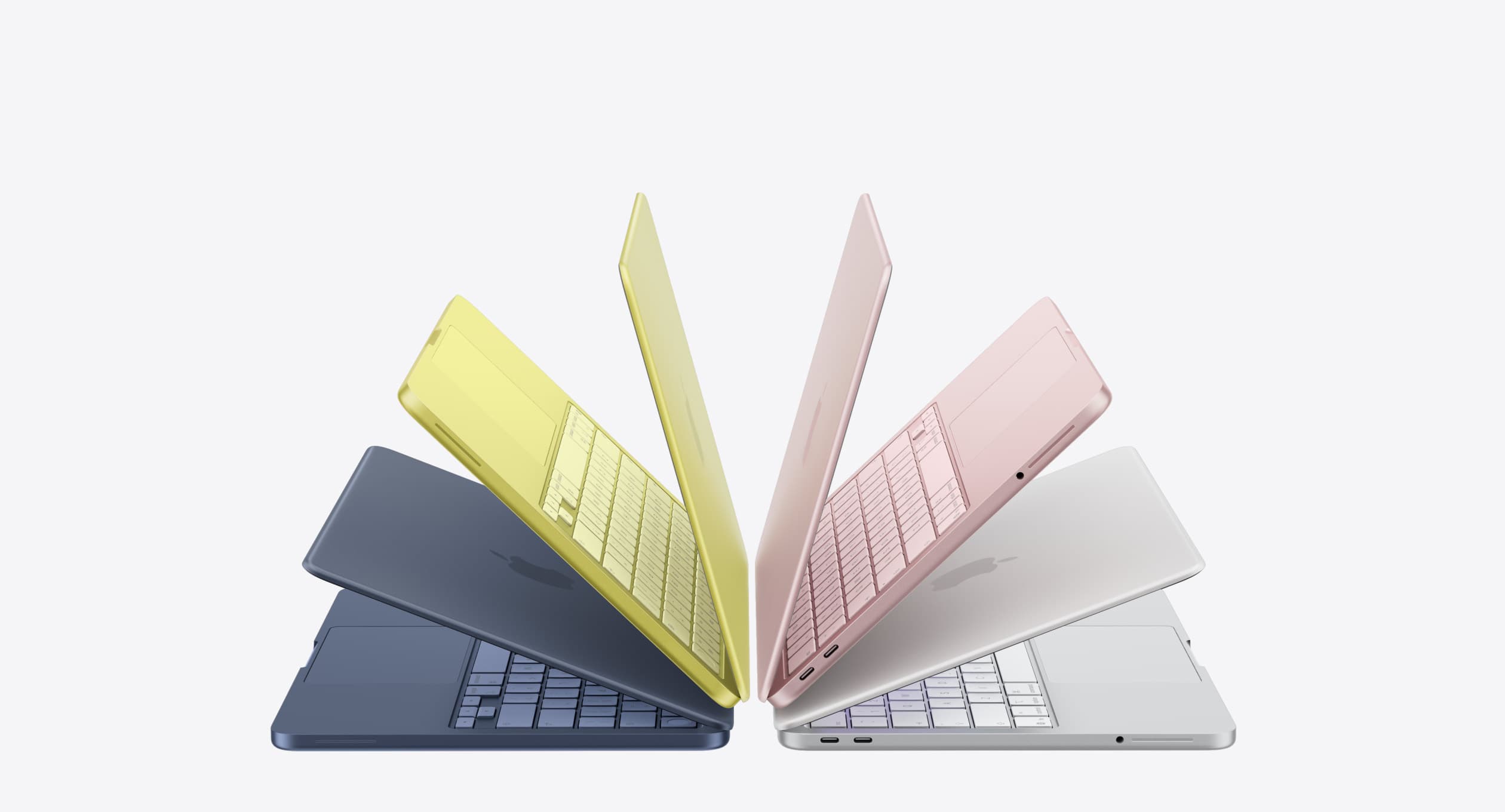
For years, the advice for Indian students who wanted a Mac was simple and a little disappointing: save up, or don't bother. The cheapest "real" MacBook sat north of Rs 90,000, which put it out of reach for most students unless it was a graduation gift or a hand-me-down. That changed on March 4, 2026, when Apple launched the MacBook Neo. After months of reviews, benchmarks, and real-world use, the verdict is in: this is the laptop Indian students should be buying.
Here's why, based on what I've actually seen using it.

The Price Finally Makes Sense
The MacBook Neo launched in India at Rs 69,900, with education pricing bringing it down to roughly Rs 59,900–63,000 for eligible students and teachers. Even after the industry-wide memory price hikes pushed it up to Rs 79,900, it still sits in a completely different category from where MacBooks have traditionally lived. For comparison, the MacBook Air M5 starts at Rs 1,14,900, a gap of roughly Rs 35,000–45,000 depending on which Neo configuration and offer you compare it against.
That Rs 65,000–75,000 zone happens to be exactly where serious student laptop decisions get made in India. It's the same price band where you'd otherwise be cross-shopping a Windows ultrabook from HP, Dell, or Lenovo. The Neo doesn't just compete in that band. Reviewers who've directly benchmarked it against similarly priced Windows machines have found Apple's laptop holds its own on build quality and real-world performance, even when a competing Windows laptop wins on paper specs.
What You're Actually Getting
Strip away the marketing, and the Neo's spec sheet makes a lot of sense for student use:
- A18 Pro chip, the same silicon family that powers iPhone 16 Pro, repurposed for a laptop. It comfortably handles browsing, document editing, note-taking, coding assignments, and light photo work without breaking a sweat.
- 13-inch Liquid Retina display, 500 nits brightness. Sharper and brighter than most LCD panels you'll find in this price range, where 250–400 nit displays are still common.
- Up to 16 hours of battery life. This is the detail that matters more than people give it credit for. A student's day doesn't revolve around a charging socket; it revolves around back-to-back classes, library sessions, and group project work. A laptop that survives a full day without hunting for an outlet changes how you actually use it day to day.
- Full aluminum build. At this price, most competitors are working with plastic chassis that creak and flex. The Neo doesn't.
- Fanless, silent operation. No whirring fan noise during a lecture or a quiet library study session.
- macOS, not a stripped-down OS. Unlike a Chromebook at a similar or lower price, you get a full desktop-class operating system with local applications, not just a browser wrapper.

The Honest Trade-Off: 8GB RAM
No piece on the Neo is complete without addressing the elephant in the room: it ships with 8GB of unified memory, and it's not upgradeable. This has been the single biggest point of online debate since launch, and it deserves a fair answer rather than a dismissal.
The short version: it's a real limitation, but it's also a deliberately engineered one, not a corner-cutting one. macOS manages unified memory very differently from how Windows handles RAM, through efficient memory swapping between RAM and SSD, and Apple has tuned the Neo specifically around that 8GB ceiling. Reviewers running daily workloads with two dozen-plus browser tabs alongside note-taking and messaging apps have reported the experience staying smooth, in a way that an 8GB Windows laptop running the same load typically wouldn't.
Where the Neo does show real strain is heavier multitasking. Running a development environment like Xcode alongside dozens of browser tabs and chat apps, or editing 4K video timelines longer than a few minutes in Final Cut Pro, will push it. If your coursework is arts, commerce, humanities, business, or general STEM theory, built around documents, browsers, PDFs, and presentation software, you will not hit this ceiling in any way that affects you. If you're in a film, animation, or heavy CS program with serious local compute needs, that's a different buyer profile, and worth knowing upfront.
There are a couple of other trade-offs worth a quick mention: no backlit keyboard, no True Tone display, and external display support capped at a single 4K/60Hz monitor. None of these affect the core student use case, but if any of them matter to you specifically, factor that in.
Why This Beats the Windows Alternative at the Same Price
This is the part that actually matters for a student weighing options. At Rs 65,000–80,000, the typical Windows alternative is a laptop with a plastic body, a dim display, a fan that spins up under load, and, increasingly, thanks to the ongoing memory shortage, specs that are getting quietly trimmed to hold that same price point. The Neo's fixed 8GB RAM looks like a compromise on a spec sheet, but a Windows machine in this range facing the same memory cost pressures industry-wide is just as likely to ship with a similar RAM ceiling today, paired with weaker build quality and a shorter realistic lifespan.
There's also the multi-year value question. MacBooks built on Apple silicon have a strong track record for receiving macOS updates and remaining usable for five-plus years, and they tend to hold resale value far better than equivalent Windows laptops. A four-year-old MacBook is still a viable daily driver and still fetches real money on the resale or trade-in market. A four-year-old Rs 70,000 Windows laptop from this price tier usually isn't either.

The Verdict
For the vast majority of Indian students, arts, commerce, humanities, business, and general STEM coursework built around browsing, writing, research, and presentations, the MacBook Neo is the best entry laptop available right now, full stop. It's not a compromised "budget Mac." It's Apple finally building a laptop for the price range where most student buying decisions actually happen, without cutting the things that matter most in daily use: build quality, display quality, and battery life.
If your coursework genuinely demands heavy video editing, 3D rendering, or development-heavy multitasking, the MacBook Air is worth the extra spend, and I'd point you there instead. But for everyone else, the Neo isn't just a good budget pick. It's the most sensible MacBook Apple has ever built for a student's actual life.
Looking for the right Neo configuration or financing option for your needs? Drop your course/use case in the comments, happy to help you figure out the right pick.
Pros
- Aggressive Rs 69,900 starting price brings a real MacBook within reach for Indian students for the first time
- Up to 16 hours of battery life comfortably covers a full day of classes without hunting for an outlet
- Full aluminum, fanless build feels and stays premium at this price point
- 13-inch Liquid Retina display at 500 nits is noticeably brighter and sharper than typical laptops in this range
- Full macOS experience, not a stripped-down OS like a Chromebook
- Strong multi-year resale value and macOS update support compared to similarly priced Windows laptops
Cons
- Fixed 8GB unified memory with no upgrade path
- Struggles with heavy multitasking like Xcode development or long 4K Final Cut Pro timelines

